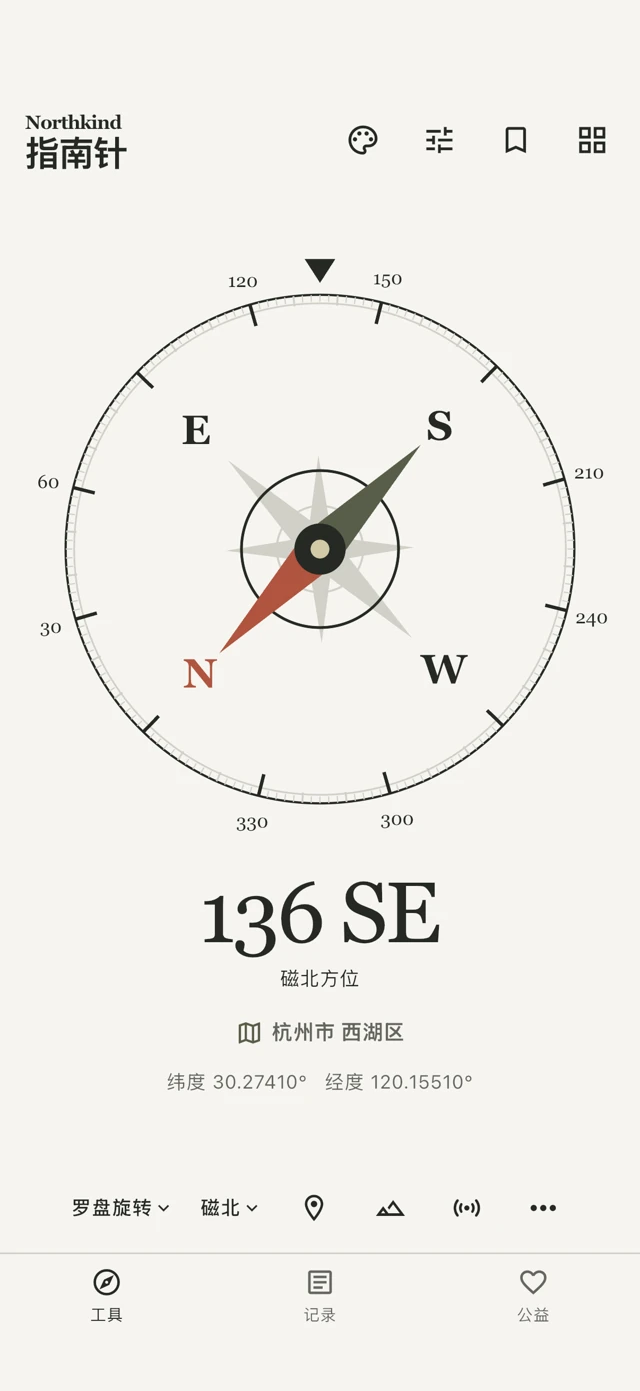
Compass
Magnetic or true north, with optional coordinates and a map.
NORTHKIND / iPHONE
Four instruments. One quiet place to look closer. A companion for everyday measurement, hands-on learning and outdoor observation.
Read the English guide ↗Product introduction and guide. App Store availability will be announced separately.
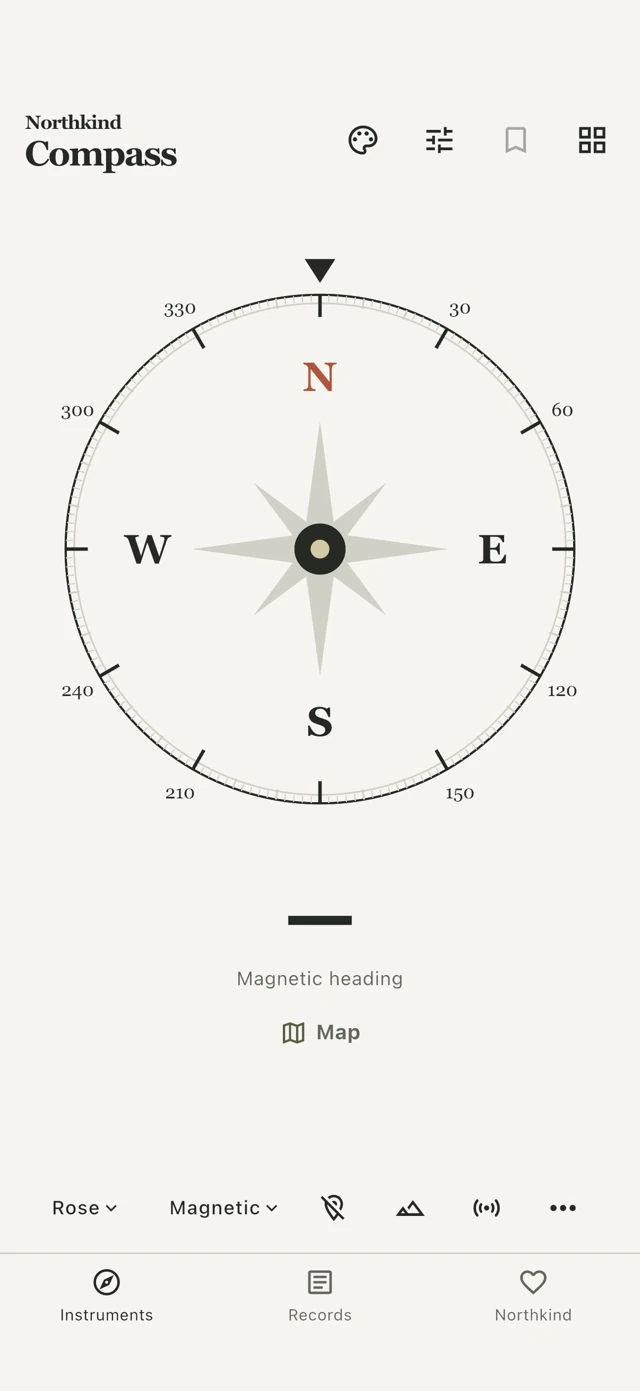 Actual interface · simulated readings
01 / THE INSTRUMENTS
Direction, level, inclination and motion — each with its own purpose.
Magnetic or true north, with optional coordinates and a map.
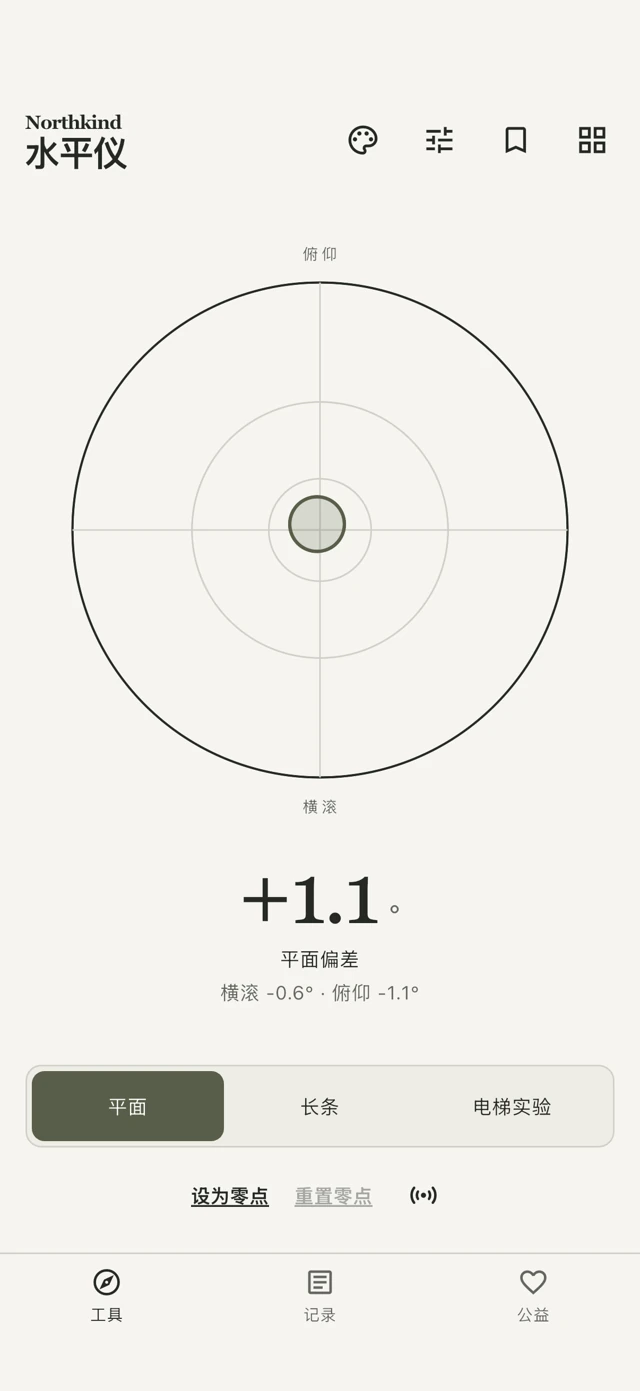
A surface bubble or a long-edge spirit level.
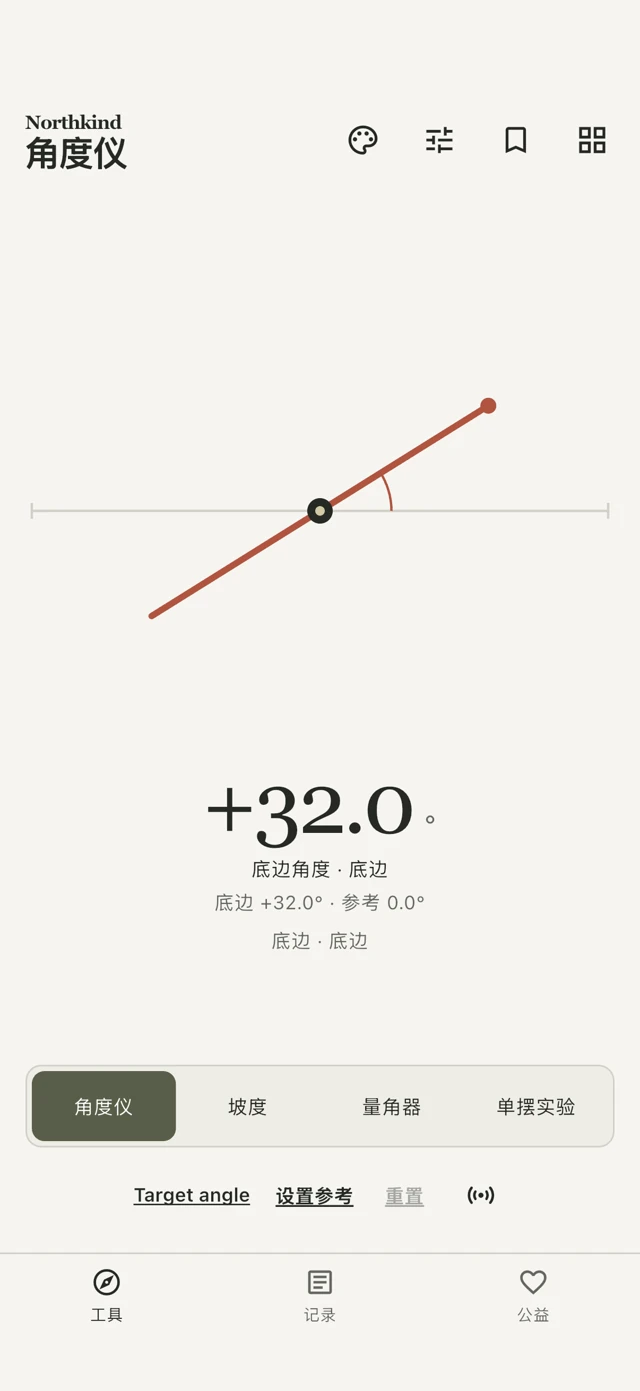
Measure an edge’s inclination and align to a chosen target.
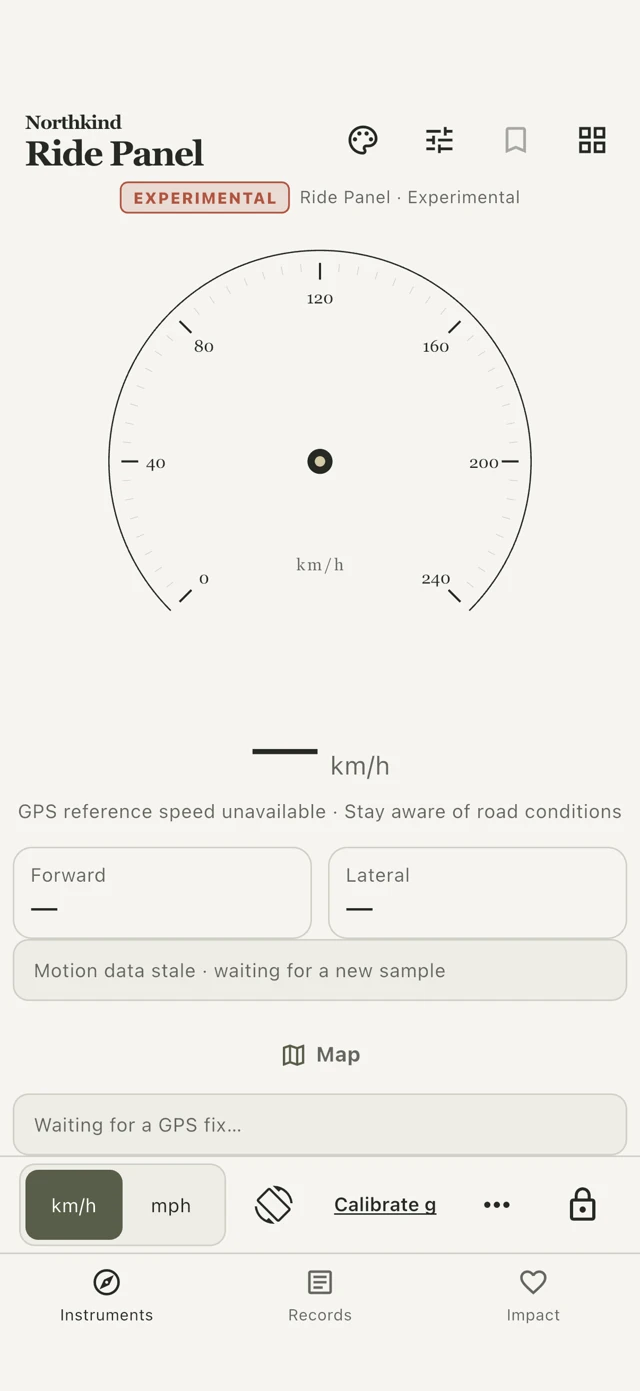
Experimental GPS speed and mounted bicycle-motion reference.
All interface images show simulated data. They illustrate the UI, not physical-device sensor accuracy.
02 / A QUICK START
01
Open the tool grid and choose Compass, Level, Angle or Ride Panel. Required sensors start when you enter a tool.
02
Keep the phone steady and check validity and freshness. Unknown or stale data stays unavailable rather than becoming a false zero.
03
Save a valid measurement with a note. The reading freezes when you open the save sheet, so the record reflects that moment.
03 / BEYOND A READING
Foreground location display starts off. View Decimal or DMS, convert coordinates manually, and actively copy a coordinate when needed.
Keep frozen readings, notes and tags. Review records before export; coordinates stay out of sharing by default.
Optional foreground route recording, with deliberate save and sharing controls. Entering the background stops acquisition.
View available altitude and pressure with source, uncertainty and freshness. Hardware and permission availability matter.
Large readings, high contrast and reduced motion, alongside four visual themes. Core accessibility remains available.
Sensor diagnostics show availability and age. Smoothing, themes and decimal places do not improve sensor precision.
Ride Panel is an experimental auxiliary reference. Stop safely before operating controls. Forward/Lateral g requires stationary mount calibration; lean and vibration affect readings. It does not indicate safe cornering or replace certified instruments.
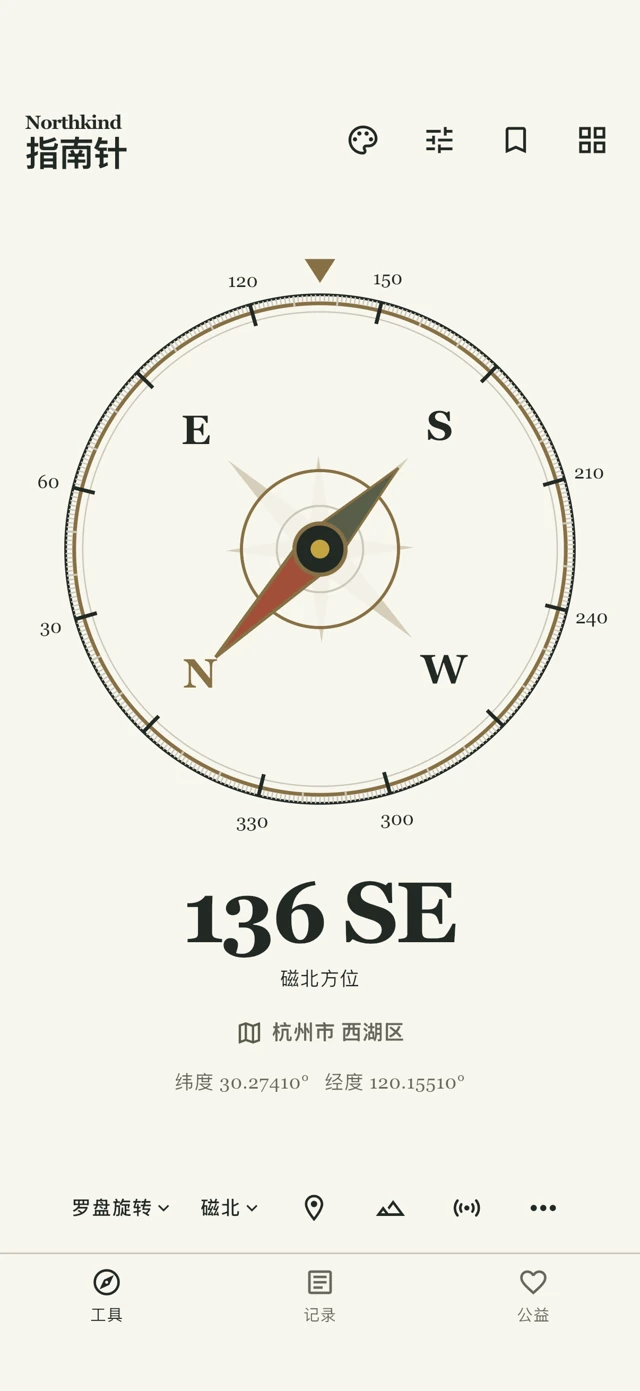
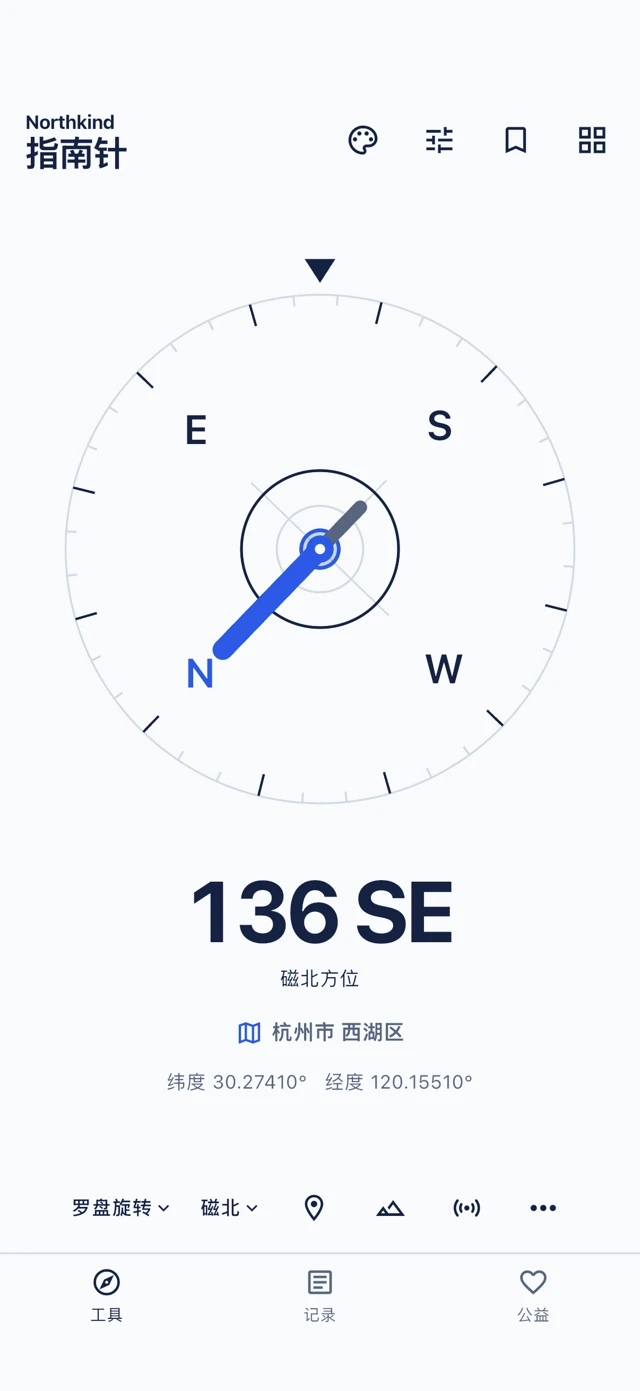
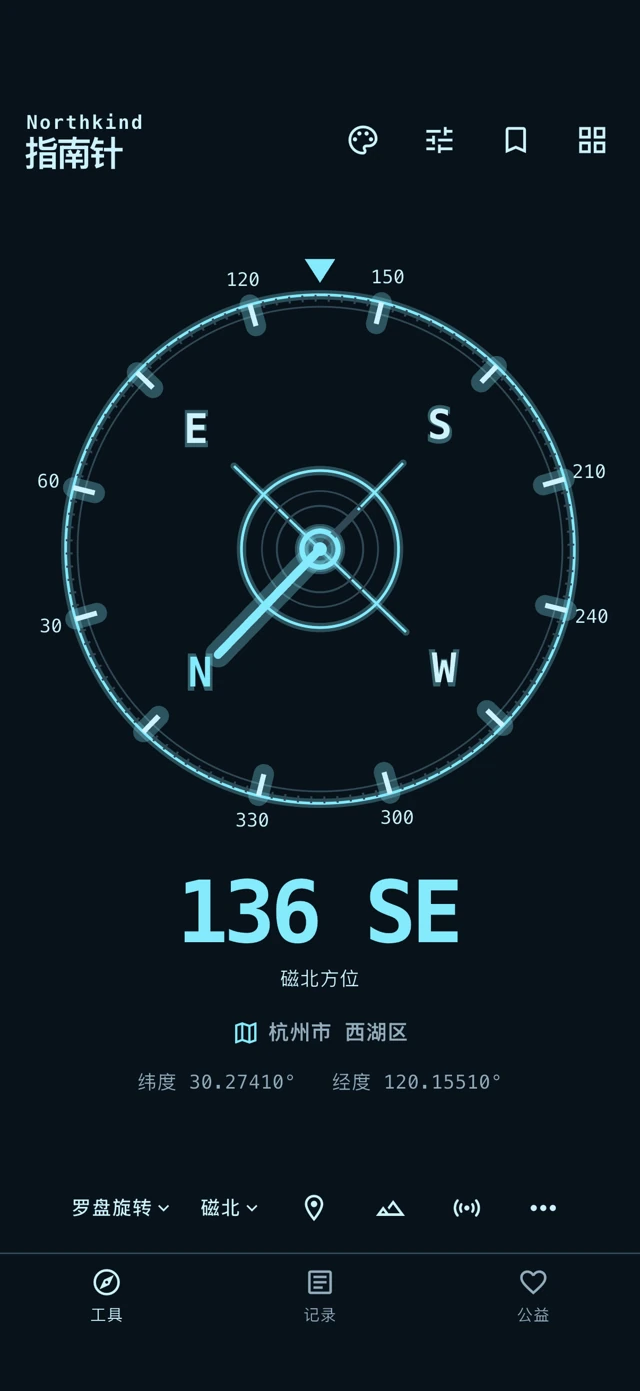
04 / FOUR EXPRESSIONS
A theme changes appearance, not measurement accuracy.
05 / FREE & PRO
The current guide defines these feature boundaries. Availability and prices follow the app’s verified Apple product information when released.
| FEATURE | FREE | PRO |
|---|---|---|
| Theme | Origin | Origin / Classic / Modern / Tech |
| Core instruments | Compass / Level / Angle | Compass / Level / Angle |
| Ride Panel | — | Included |
| Walking & cycling tracks | — | Included |
| Basic coordinates & accessibility | Available | Available |
No advertising. Purchase and restore require verified Apple entitlements. Some advanced export entitlements remain to be defined; see the guide for details.
NORTHKIND / USER GUIDE